

Your home page is set to display the four most recent articles from the blog category in a column. Then there are links to the 4 nest oldest articles. You can change those numbers by editing the content options settings in the blog tab in your site administrator. There is a link to your site administrator in the top menu.
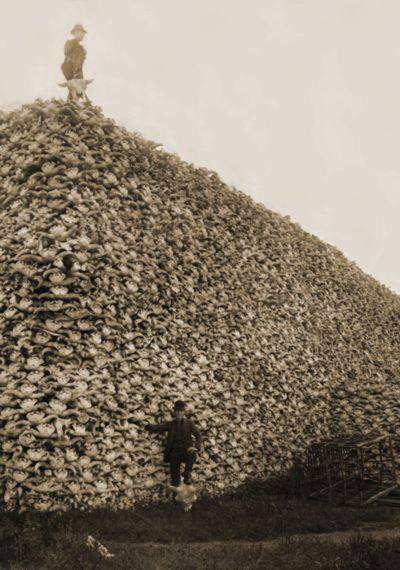 This tells you a bit about this blog and the person who writes it.
When you are logged in you will be able to edit this page by clicking on the edit icon.
User Rating: 3 / 5

Templates control the look and feel of your website. This blog is installed with the Protostar template. You can edit the options by clicking on the Working on Your Site, Template Settings link in the top menu (visible when you login). For example you can change the site background color, highlights color, site title, site description and title font used. More options are available in the site administrator. You may also install a new template using the extension manager.
Your site has some commonly used modules already preconfigured. These include:
- Image Module which holds the image beneath the menu. This is a Custom HTML module that you can edit to change the image.
Page 1 of 2
- You are here:
-
Home

- Beyond